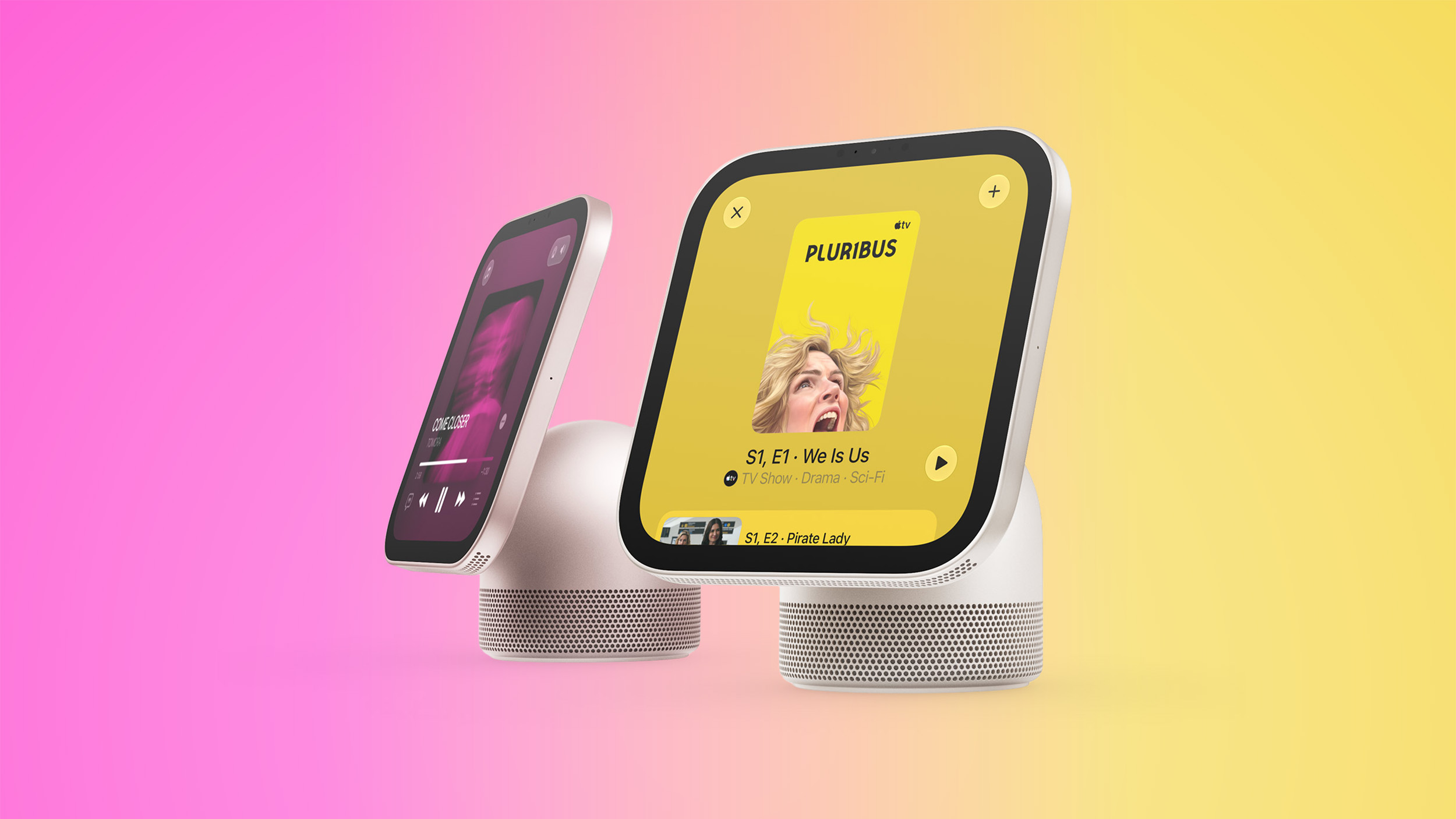

Broadcasts app developer Steve Troughton-Smith has shared a Halloween treat for us today: a tour of the software on Apple’s upcoming HomeView smart home hub. Apple has already demoed the HomeView to selected tech reporters and content creators, but Troughton-Smith offers a closer look at several features, interfaces, and apps.
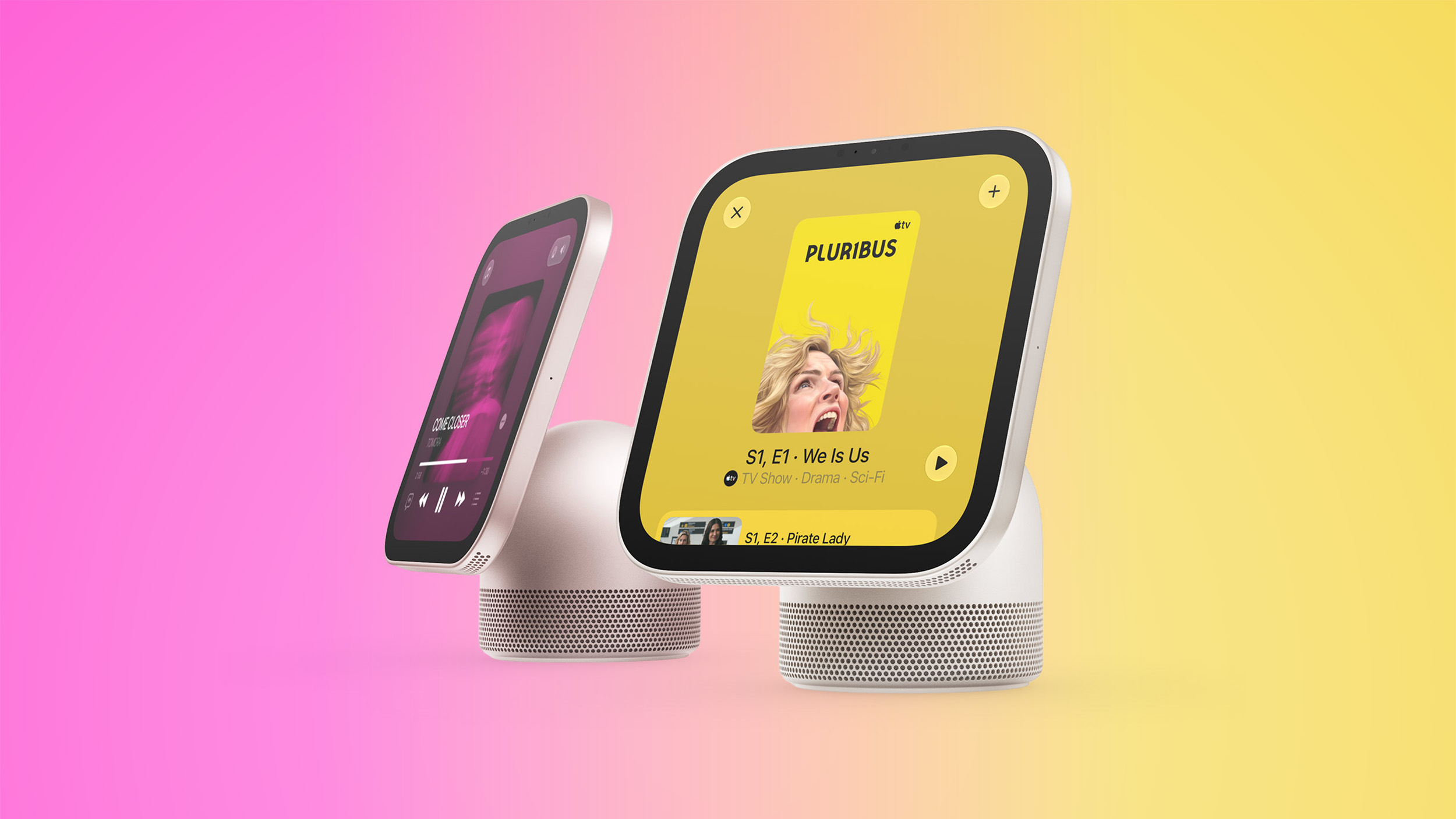
Using a virtualized HomeView created by Guilherme Rambo, Troughton-Smith provided a closer look at the home screen, Control Center, clock faces like Flow and Snoopy, and apps like Timers, Alarms, World Clock, and Settings. Note that while the virtualized HomeView shows an Ethernet menu, the device actually supports Wi-Fi only.
HomeView supports up to six users. The device has a built-in camera that can recognize people and display their personal content in apps like Messages, Calendar, Reminders, FaceTime, and Find My. Rambo and Troughton-Smith have yet to bypass this recognition requirement with the virtualized HomeView, so those apps are all locked.
Troughton-Smith revealed that the HomeView will have a Liquid Glass slider that lets you adjust how clear or tinted the interface elements look, and he also confirmed that the device’s keyboard supports QuickPath swipe typing.
He also provided a closer look at the HomeView’s music player, video player in both wide and square formats, and AirPlay pairing interface.
Yesterday, Rambo and our contributor Aaron Perris provided a look at the HomeView’s wallpapers, “hello” setup screen, and more. All of these findings come after Apple released the HomeView’s software ahead of the device’s launch on Friday, November 13. Apple is currently accepting pre-orders, with U.S. pricing set at $299.
Rambo and Troughton-Smith said the HomeView’s software is based on the Apple TV’s tvOS.
This article, “Here’s a New Tour of Apple’s HomeView Software” first appeared on MacRumors.com
Discuss this article in our forums