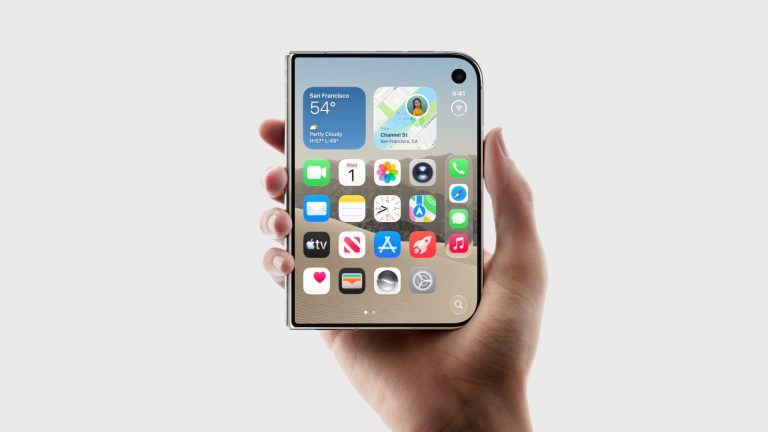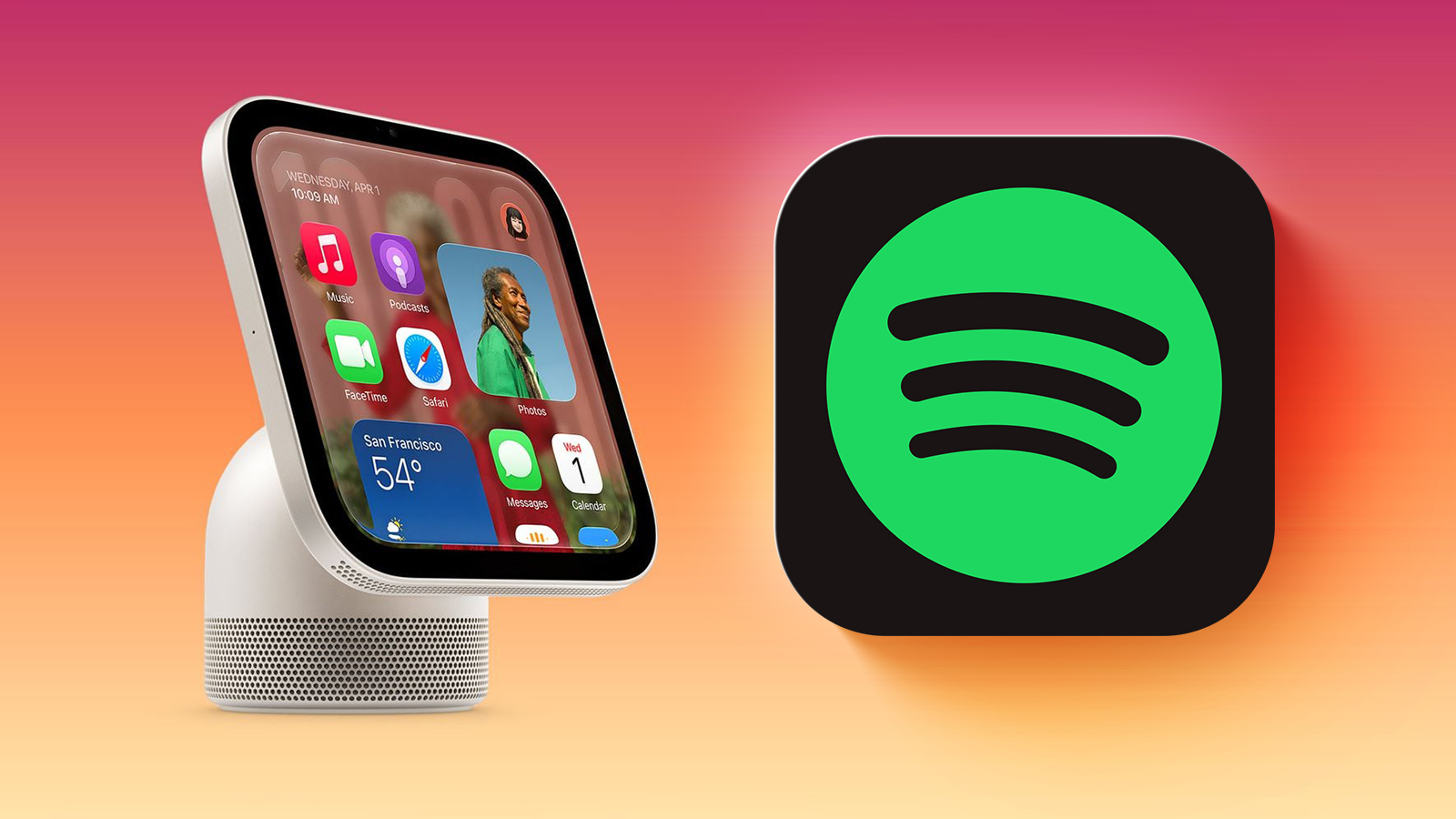

Apple’s new HomeView smart home hub lacks an App Store, but it can still run some third-party audio and video apps that support CarPlay.
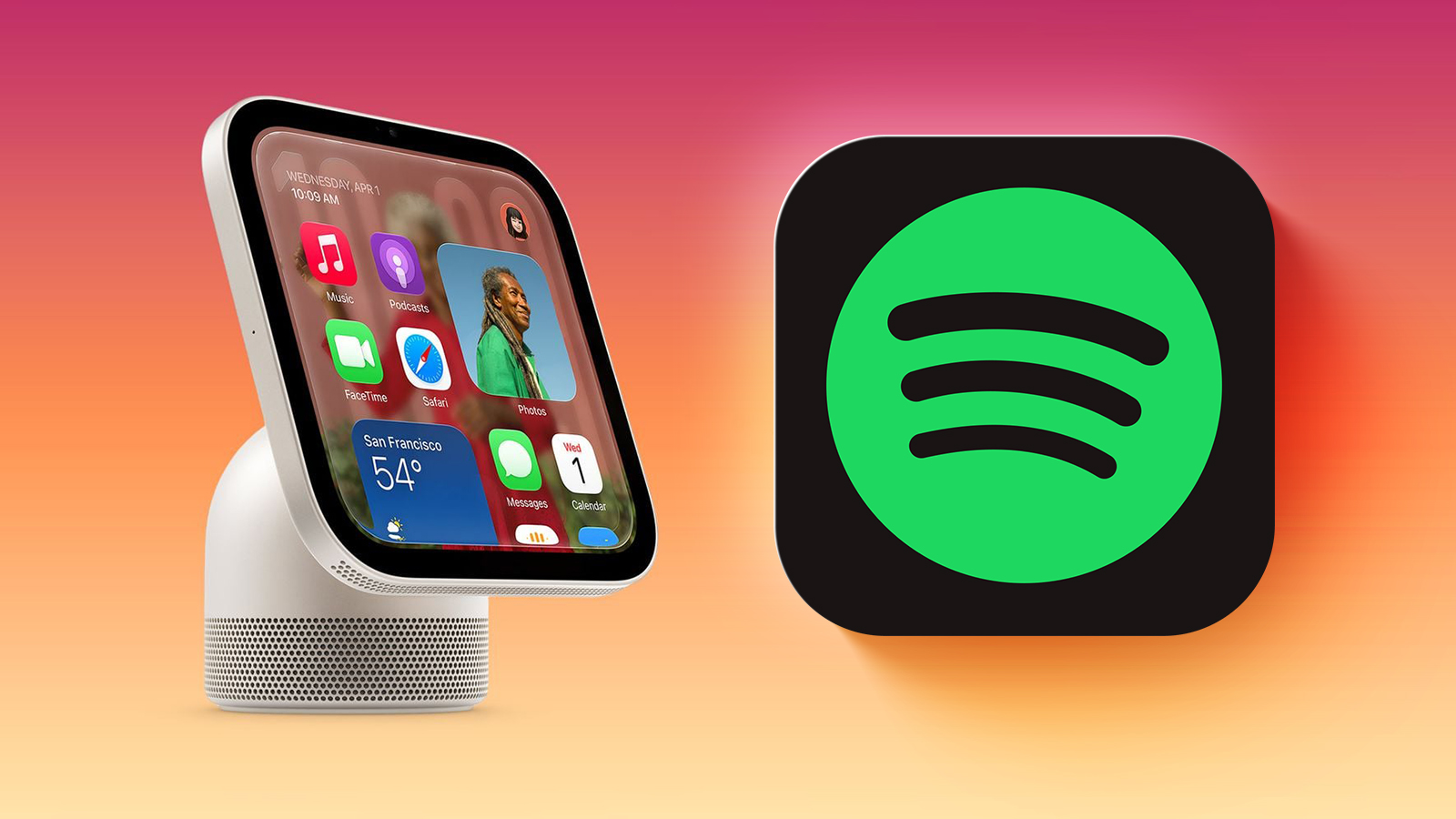
HomeView can automatically mirror CarPlay-enabled audio and video apps from a nearby, paired iPhone, with no modifications to the app required.
In a post shared on Mastodon, Broadcasts app developer Steve Troughton-Smith demonstrated what Spotify looks like on a virtualized HomeView. You may need to hover your mouse or tap and hold on the GIF in the post in order for it to be animated.
The full list of built-in Apple apps on the HomeView:
- Alarms
- Calendar
- FaceTime
- Find My
- Home
- Intercom
- Messages
- Music
- Podcasts
- Reminders
- Safari
- Settings
- Timers
- Weather
- World Clock
CarPlay-enabled apps from iPhone available on HomeView:
- Apple Music Classical
- Apple News
- Apple TV
- Audiobooks
- “Supported third-party audio and video apps” like Spotify
HomeView is available to pre-order now and launches Friday, November 13.
This article, “Here’s What Spotify Looks Like on Apple’s HomeView” first appeared on MacRumors.com
Discuss this article in our forums